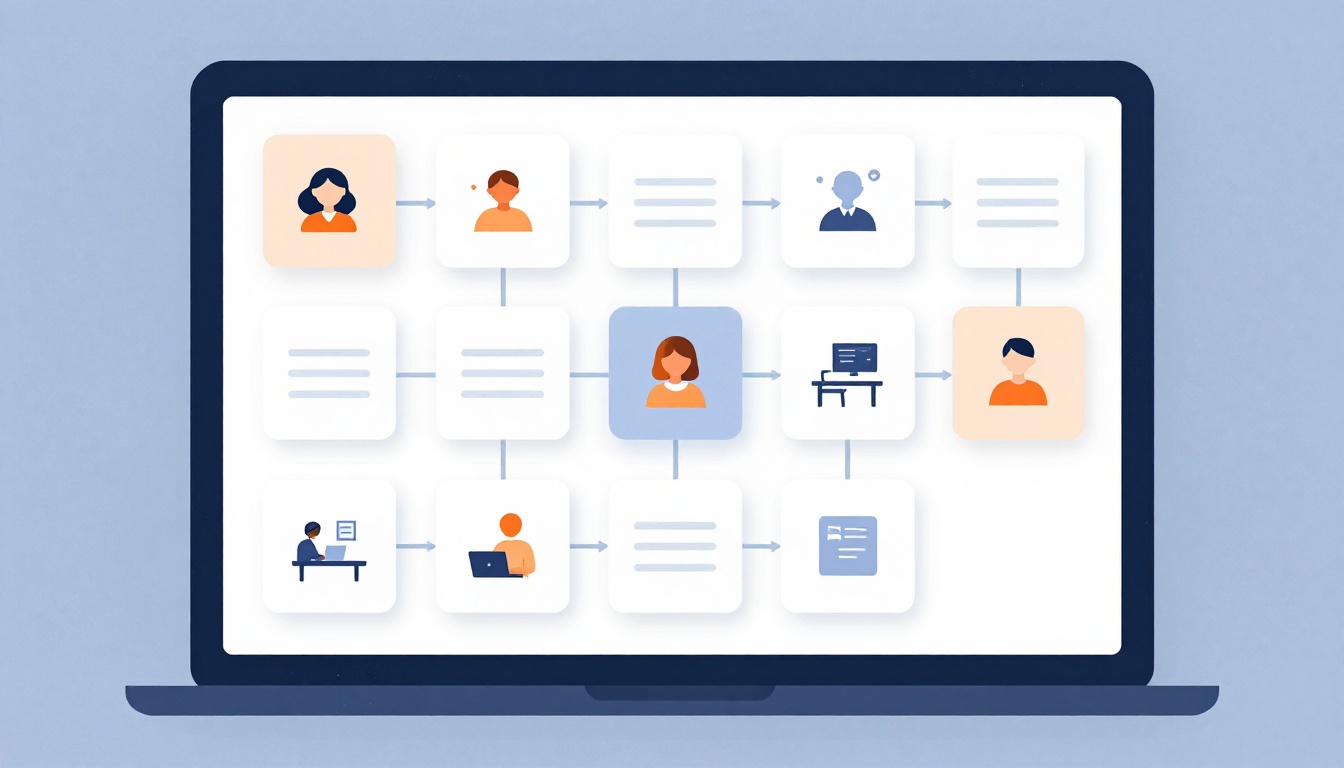
When your team is distributed, the physical whiteboard that once showed work status, bottlenecks, and ownership disappears. Without a shared visual system, tasks slip through cracks, priorities become unclear, and leaders lose sight of progress. Visual management boards—digitized—solve this by making work visible to everyone, anywhere, in real time.
A digital Kanban board is an online tool that visualizes tasks as cards moving through workflow columns (like To Do → In Progress → Done), giving teams a shared, real-time view of work. This isn't just a project tracker; it's a continuous improvement tool that reveals where work is stuck and who is overloaded. In fact, 87% of Kanban adopters say it's more effective than their previous approach, and the Kanban software market is projected to grow from $1.42B in 2025 to $3.10B by 2034. (Vibe)
What is a key benefit of using a digital Kanban board for remote teams?
Select one answer.
Why digital boards matter for remote teams
Remote teams face unique challenges: weak communication, disconnected employees, and a lack of clear management systems. (Unduit) A digital visual board addresses these by creating a single source of truth. It supports asynchronous communication—a key best practice for remote work—by allowing team members to see status updates without needing a live meeting. (Slack)
Moreover, digital boards offer customizable reporting options, allowing teams to access the task management system anytime and from any device. (Microsoft) This flexibility is crucial for teams spread across time zones.
How to set up a digital visual management board
Follow these steps to create a board that your remote team will actually use:
-
Map your workflow. Start with columns that mirror how work really moves—not an ideal. Common columns: To Do, In Progress, Review, Done. Avoid vague stages that confuse rather than clarify. (Lark)
-
Define card details. Each card should include a description, deadline, priority, and owner. Clear ownership ensures accountability. (Lark)
-
Set WIP limits. Limit the number of tasks in progress to prevent overload and bottlenecks. This is a core Kanban principle that keeps flow smooth. (Lark)
-
Choose the right tool. Popular options include Trello for simplicity, Jira for software teams, Asana for cross-functional structure, and Miro or Vibe Canvas for visual-first teams. (Vibe) Select one that fits your team's size and complexity.
-
Integrate with communication tools. Ensure the board is accessible where your team already communicates, like Slack or Teams, to reduce friction. (Slack)
-
Establish norms. Co-create communication plans and ground rules with your team. Decide how often to update the board and what triggers a card move. (Baylor)
-
Review regularly. Use the board in daily stand-ups or weekly syncs. Make it the centerpiece of your meetings to drive discussion around bottlenecks, not just status updates.
Common pitfalls and fixes
- Board becomes a dumping ground. Without WIP limits, cards pile up. Enforce limits and regularly archive completed work.
- No one updates it. If the board isn't part of daily workflow, it becomes stale. Integrate it into existing rituals and lead by example.
- Too many columns. Overcomplicating the board reduces usability. Start simple and evolve as needed.
Measuring success
Track metrics like cycle time (time from start to finish) and throughput (tasks completed per week). These numbers reveal whether your board is improving flow or just adding overhead. Use the board's reporting features to generate these insights automatically.
How the Featured Expert Can Help
Bob Buckwalter, CSSBB, PMP, MBA, at Windy Hill Partners, brings over 20 years of process improvement experience and has documented $20M+ in financial impact across six industries. He helps organizations break the cycle of operational chaos by equipping teams with tools to sustain improvement. If you need hands-on guidance to implement visual management for your remote team, visit Windy Hill Partners.
Quiz
What is a key benefit of using a digital Kanban board for remote teams?
- A) It eliminates the need for any communication
- B) It provides a shared, real-time view of work
- C) It automatically completes tasks
Correct answer: B